Anyone who's been in IT long enough has a story about the backup that turned out not to be one. The job ran green every night for a year, and the first time someone needed it, it was empty, or a week old, or encrypted with a password nobody wrote down.
So when I handed this server to an AI, backups were the first thing I wanted right. Not "there's a backup job". Right: I wanted to know what happens on each of the bad days, and to have actually tried getting the data back.
Here's what we ended up with, what it costs, what I deliberately don't back up, and the bug that meant my "nightly" USB copy was never really from the night before.
Start with the bad days
A backup plan that starts with tools ends up as a list of tools. I started with the ways things go wrong, and worked out what gets me out of each one:
| The bad day | What gets me out of it |
|---|---|
| A drive dies | The pool itself. Six drives in ZFS RAIDZ2, so any two can fail and nothing is lost. |
| I delete something, or the AI breaks something | Snapshots. The important data is snapshotted every hour, and rolling back takes seconds. |
| The whole pool dies | A USB drive, copied every night. |
| The house burns down, or someone walks off with the box | An offsite copy at Backblaze. |
| Someone gets root, or ransomware does | The offsite copy again, because it's locked and nobody can delete it for 30 days. |
That last row is the one that shapes everything. If someone gets full control of this server, I have to assume the pool, the snapshots and the USB drive are all compromised. The USB drive is plugged into the very machine they control. So the offsite copy has to survive someone with root and every password on the box. That includes the AI, which has root too.
Tier one: the pool and its snapshots
RAIDZ2 isn't a backup, and I'm not going to pretend it is. It's what stops a dead drive from turning into a bad day. ZFS snapshots are much closer to a backup: a read-only copy of a dataset at a point in time, taken in a fraction of a second, which only takes up space for what's changed since.
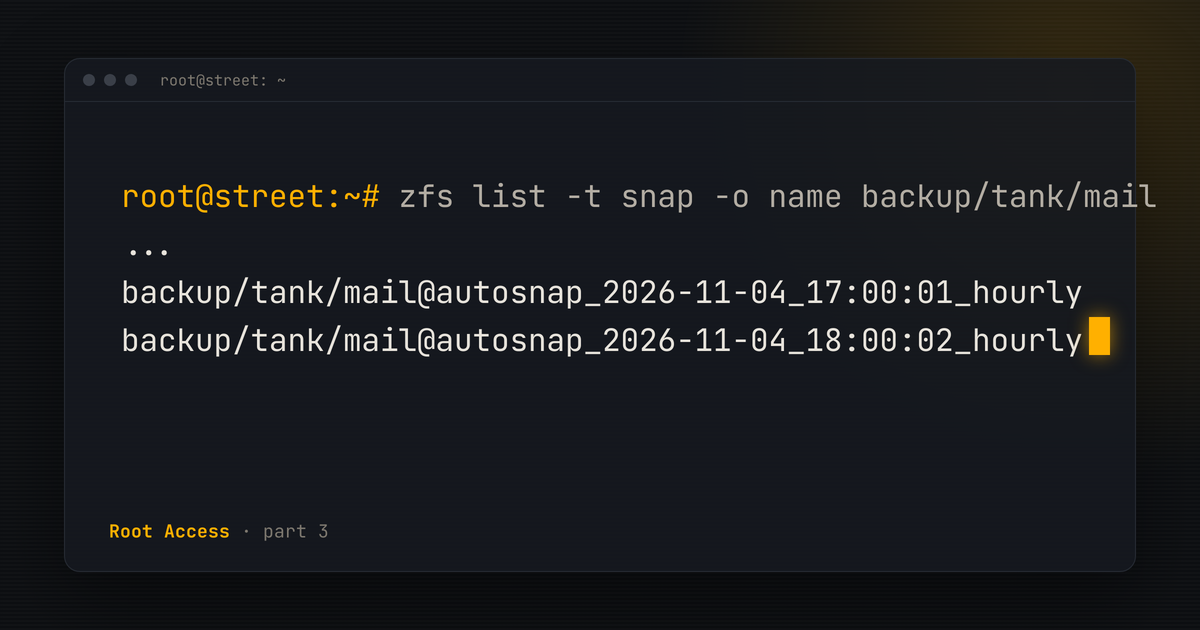
Sanoid takes them on a schedule. Photos, for example, keep 24 hourlies, 30 dailies and six monthlies. As I write this there are just over a thousand snapshots on the pool. Nobody manages them by hand. They're taken and pruned on schedule, and the health check complains if they stop.
One detail that matters more than it looks: databases are dumped to files before anything gets copied. A copy of a live database's files is a gamble. A dump is a backup.
Tier two: the USB drive
Every night at 2:30, after the dumps, syncoid replicates those snapshots to a 4 TB USB drive, which is a ZFS pool of its own. It's quick, it's local, and if the main pool ever dies, the newest copy is right there and doesn't need to be downloaded from America.
It's also in the same house, so it covers a dead pool, not a fire.
Tier three: offsite, and locked
Every night at 3:15, Kopia takes the newest snapshot of each important dataset and uploads it to Backblaze B2. Kopia encrypts everything before it leaves the house, so Backblaze holds data it can't read.
The important part is the bucket. It uses Object Lock in compliance mode, with a 30-day lock. Until a backup's lock runs out, Backblaze won't let anyone delete or overwrite it. Not me, not root on this server, and not anyone who gets hold of my Backblaze login. If someone encrypts everything here and wipes the USB drive on their way out, the last 30 days of offsite backups are still sitting there.
There are spending caps on the account too, so a runaway job or a mistake can't turn into a surprise bill. At around 160 GB, the whole thing costs less than a coffee a month.
What I don't back up, on purpose
Two big things aren't in any of this, and that's a decision, not an oversight:
- The file share. It's 1.7 TB, mostly movies and TV I could get again. It's protected against a dead drive by RAIDZ2 and that's where it ends.
- My Nextcloud files. They're synced to five devices already. Another copy in America would be the sixth.
Photos, email, the blog, chat, notes, the databases and the server's own configuration get all three tiers. The things that can't be replaced are the ones that get the full treatment.
A backup you haven't restored is a hope
The day the offsite backup went in, we tested a restore. Not from the server's own Kopia setup, which already knows everything. We started from scratch with only what I'd have after a fire: the bucket name, the access key and the backup password. No config, no cache, nothing from the box.
My whole inbox came back, 5,517 messages, and every one was byte-for-byte identical to the snapshot it came from. The blog came back identical too. We also checked that the lock really was on the uploaded data, rather than taking the settings page's word for it.
Since then, a slice of the offsite data is read back and verified every week, and the daily health check alerts me if any offsite source hasn't been backed up in 48 hours, or a database dump is more than a day and a half old. Once a year, in January, the plan is a full rehearsal: build a fresh machine from the written instructions and the offsite copy, and time it.
The plan has to survive the server
There's a written disaster recovery plan. It walks through each of the bad days above, step by step, down to which commands to run in what order. It's versioned, and every change to anything it depends on updates it.
But a recovery plan stored only on the server you're recovering is useless on exactly the day you need it. So every time a recovery step changes, a copy is emailed to two people: me, at work, and a colleague. The backup password lives in my password manager and on a printed sheet. None of that needs this server, or GitHub, to be standing.
The bug: my "nightly" copy was a day older than it looked
This is the bit I promised in the first post.
The USB copy ran every night and the health check was happy. But when an outside review went through the setup, it asked a simple question: how old is the newest thing on the USB drive, straight after the nightly copy?
The answer was 18 to 26 hours. The USB pool was set to keep only daily snapshots, so the hourlies were copied across and then immediately pruned. What survived was the previous midnight's daily. So even at 2:31 in the morning, freshly copied, the newest restore point on the drive was from the day before. If the pool had died late the next evening, the USB drive would have been nearly two days behind, not the "at most a day" I thought I had.
Nothing was ever lost, and the fix was one setting: the USB pool now keeps the last 24 hourly snapshots as well. Straight after the nightly copy, the newest restore point is about half an hour old. The recovery plan now says so.
The lesson isn't about ZFS. The job was green, the check was green, and the data was still older than I believed. "Did the backup run?" and "what would I actually get back?" are different questions, and only the second one matters.
Is it enough?
For a home server, it's more than most will ever have. I'm still not going to tell you it's bulletproof, because nothing is. What I can say is what's been checked: each bad day has a written way out, the restore has been done for real, the offsite copy is locked against the worst case, and something tells me when any of it stops working.
Next up: why almost every change on this server can be undone, and the ones that can't.
Full disclosure
Claude drafted this one too, from my notes and its own records of what it built. I sent it back until it sounded like me.